
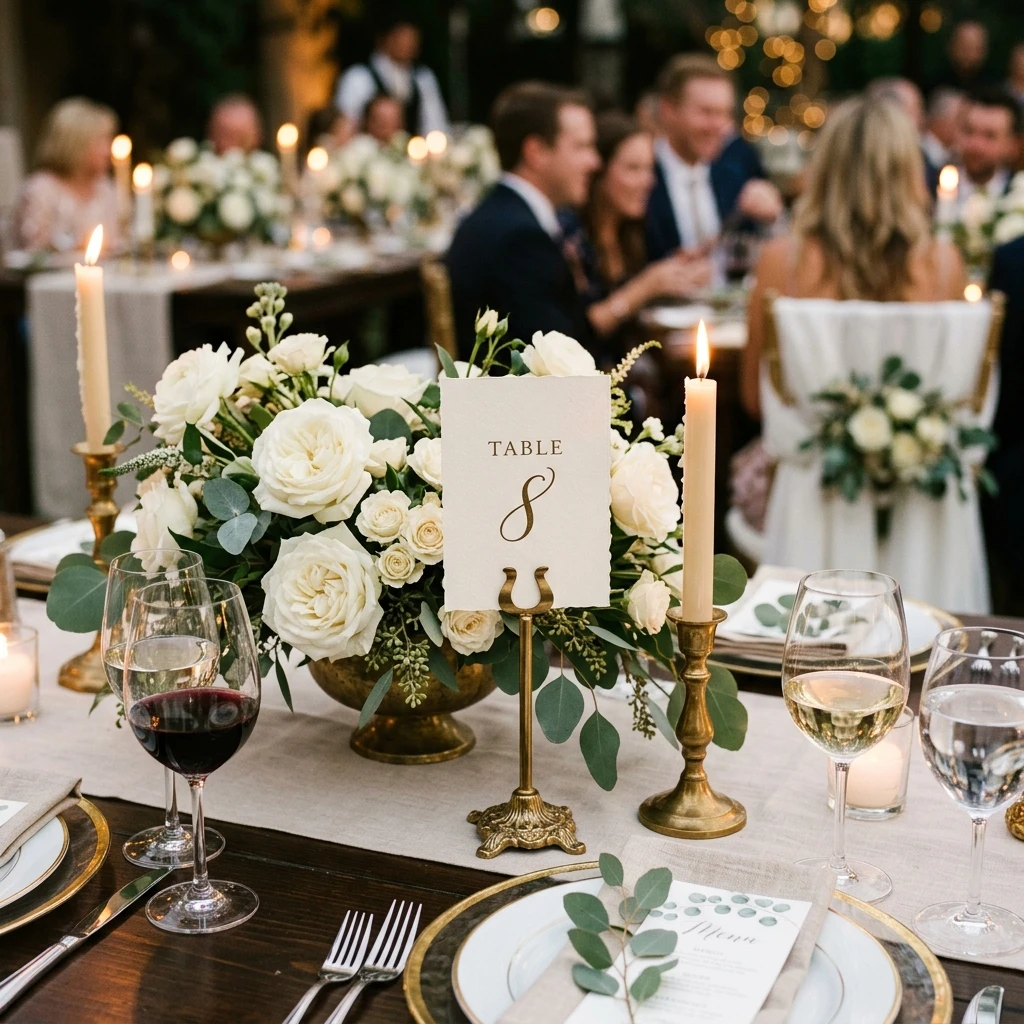
Build the tables
Round, long or head tables with the seat counts you actually have.
Arrange households at tables, then let a guest search their own name or invitation code and get one answer — their table. The rest of the room stays private.
A guest types their name or code and sees their table. They do not get a browsable list of who else is in the room or where anyone else is sitting.
Round, long or head tables with the seat counts you actually have.
Move a household together instead of dragging people one at a time.
Guests search on arrival. Export a chart, an Excel sheet or printable name tags for the venue.
Households that declined are not placed, and meal notes travel with the seat so the venue sheet matches the RSVP.
Round, rectangular and head tables in one plan.
Keep a family or a couple together in one action.
Name or invitation code, returning one table.
A sheet the venue or planner can work from.
A printable plan of the room.
Printable tags generated from the same placement.
Lookup returns the guest's own table, not the seating of others.
An invitation code identifies a household without exposing a list.
Moving a guest updates the lookup without messaging the room.
Charts and sheets are generated for you, not published to guests.
No. Lookup returns their own table only.
You can, but households move as a unit.
Yes, chart and name-tag exports are printable.
Yes, placement works from the same guest records.
Yes, with a role that allows it.
Create the event, try this part with a handful of files, and register when the work is worth keeping.