
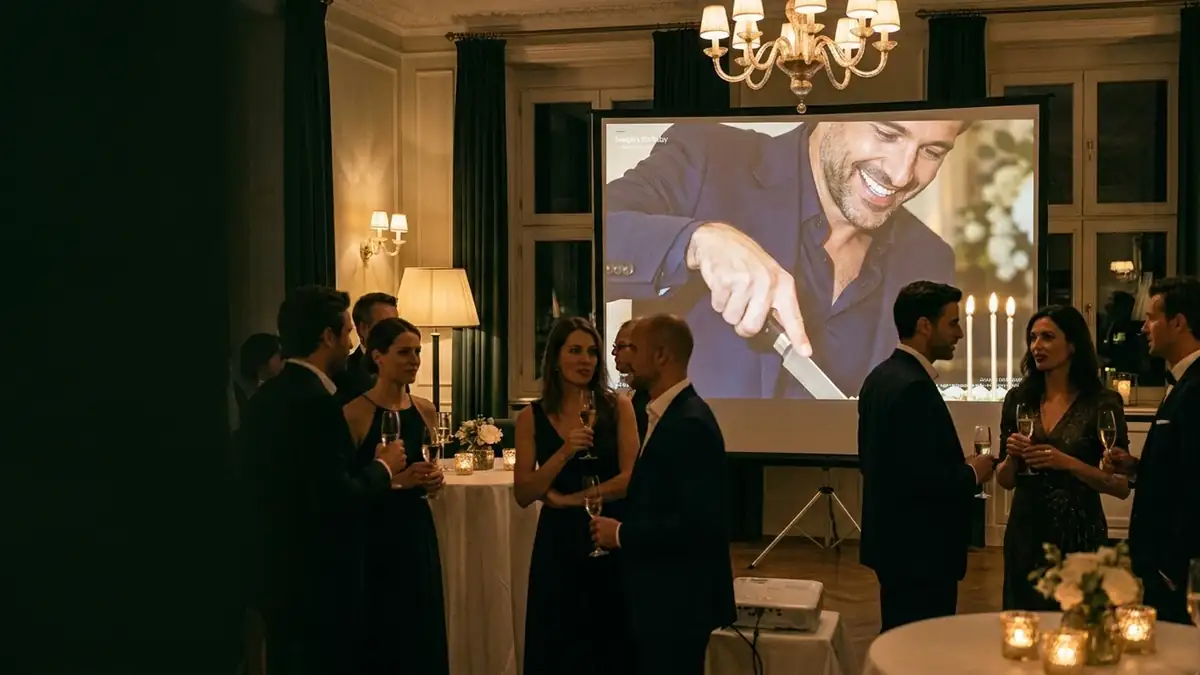
Open the screen route
Any laptop or TV browser opens the screen page. No install, no cable-specific app.
A browser page drives the slideshow: approved photos only, a landscape or portrait frame for the screen you actually have, and a quiet toast when something new arrives.
Slides cross-fade with a slow pan. New arrivals announce themselves as a stacked toast — three at most — instead of interrupting the current slide.
Any laptop or TV browser opens the screen page. No install, no cable-specific app.
Choose 16:9 for a projector or 9:16 for a vertical screen; the layout follows.
An approved photo joins the rotation. Hide one and it leaves the wall on the next pass.
Give someone the review role and they can approve or hide from their own phone during the event, without your account or your other settings.
Slow pan and fade, tuned for a room rather than a demo.
Stacked to three so the screen stays calm.
One route, two frames.
The wall reads the same approved set as the gallery.
Removing a photo takes it off the wall on the next pass.
A short network drop keeps the current rotation playing.
There is no direct path from a guest's phone to the screen.
A photo you hide is not shown again in that rotation.
Toasts stop at three; the room is not fed manufactured activity.
A moderator can review; they cannot change billing, exports or event settings.
No, a browser on a laptop or smart TV is enough.
No. Only host-approved photos are shown.
Yes, the screen route has a 9:16 frame.
The current rotation keeps playing and resumes updating when the connection returns.
Yes, with a review role on their own phone.
Create the event, try this part with a handful of files, and register when the work is worth keeping.