
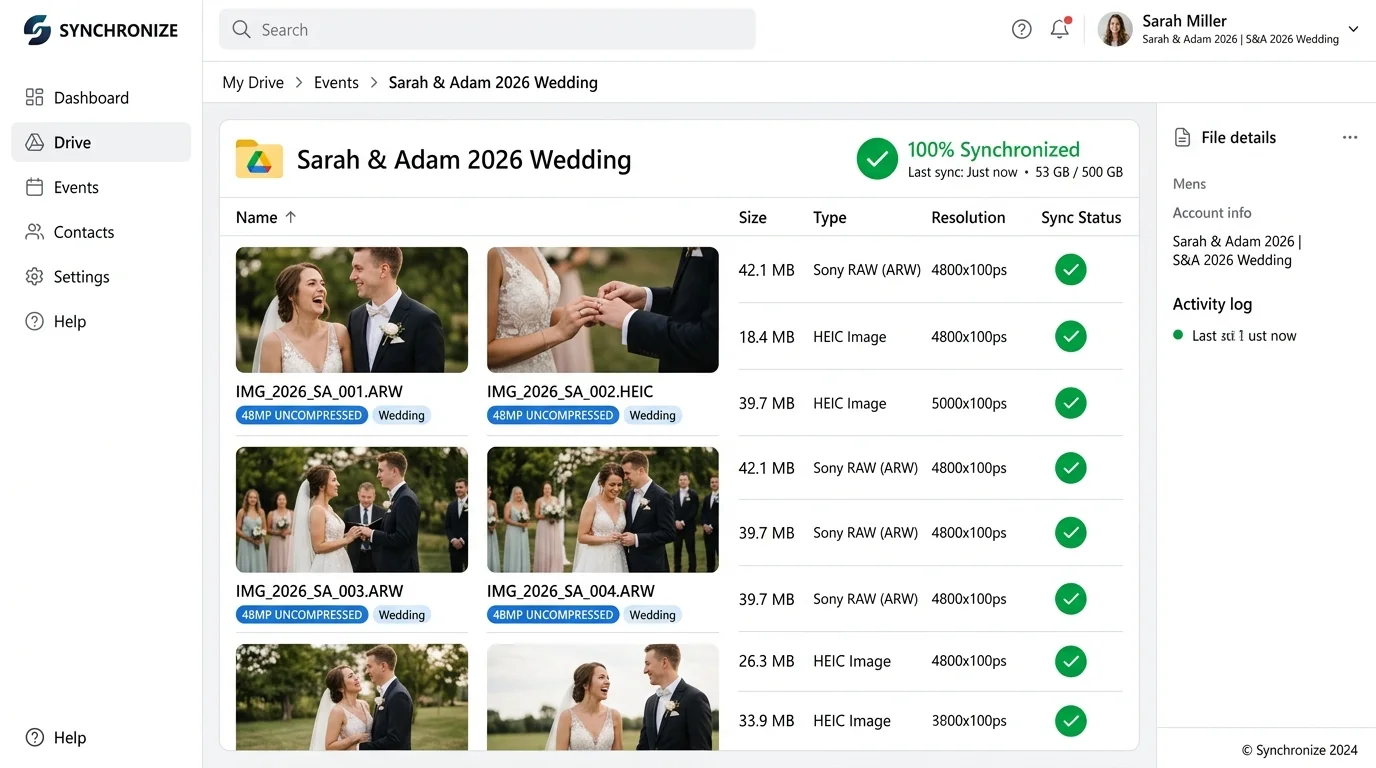
Connect a destination
Authorize Google Drive, Dropbox or OneDrive. Galeira writes into a folder in your account, not a shared one of ours.
Keep a copy in your own Google Drive, Dropbox or OneDrive. Connect a destination, then check backup status to see which approved uploads have been copied and which need attention.
See recorded copies, pending uploads and failures for each connected destination. These records help you follow progress; they do not guarantee permanent storage.
Authorize Google Drive, Dropbox or OneDrive. Galeira writes into a folder in your account, not a shared one of ours.
Approved uploads queue for copying. Check the recorded status to see what has copied, what is waiting and what needs another attempt.
The files in your cloud are ordinary files. They stay if the event closes, the plan changes or the account ends.
Any time you want the whole approved collection in one download, export produces it as original files with a manifest — no re-encoding.
Google Drive, Dropbox and OneDrive through their own authorization.
Provider, path, size and confirmed-at time for every copy.
A failed copy is retried and stays listed as failed until it succeeds.
The mirror copies the file you received, not a preview.
Copies land in a folder you choose inside your account.
A broken or revoked connection raises an alert rather than failing quietly.
Disconnect a provider and copying stops; receipts of what was already copied remain.
Nothing Galeira does later removes a file that a provider already confirmed.
A pending or failed mirror is shown as such; there is no optimistic 'backed up' label.
The connection copies approved media for the events you enable, not your library.
Yours. You authorize the provider and the files land in your folder.
It is retried and stays visible as failed until the provider confirms it.
No. Only approved originals are queued.
Copies already confirmed in your cloud are unaffected.
Yes, providers are connected independently.
Create the event, try this part with a handful of files, and register when the work is worth keeping.