
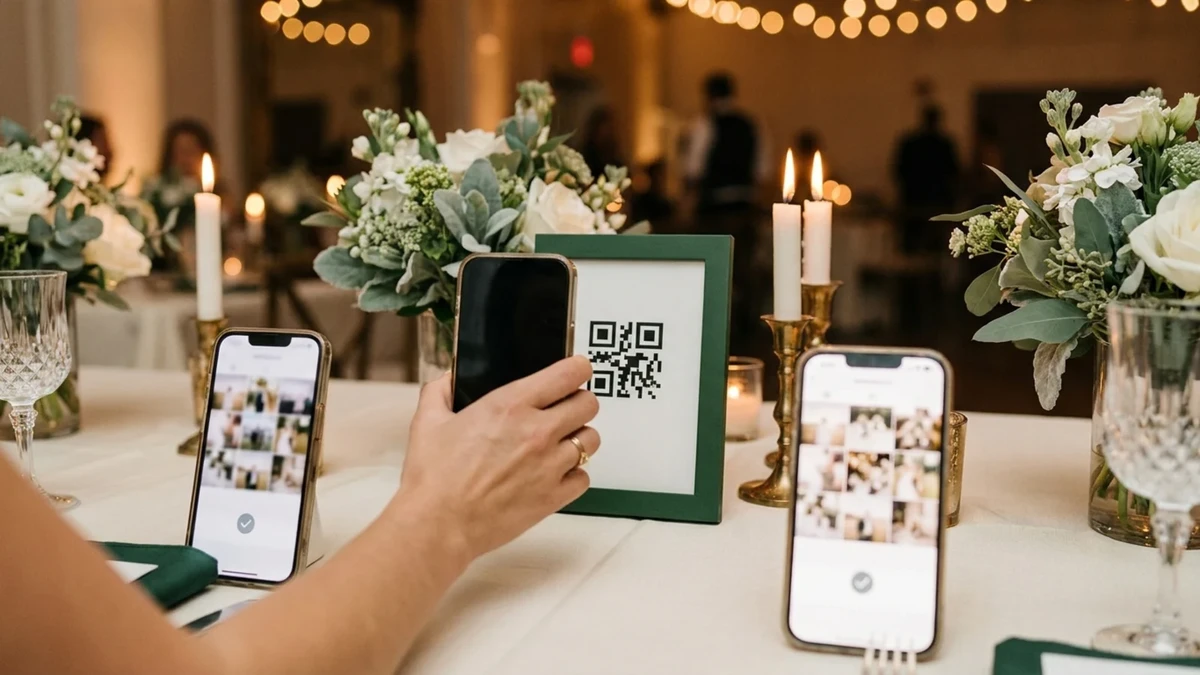
Print the code
One QR per event. Put it on the table card, the sign or the invitation — the same link works in any phone browser.
One QR code on the table opens the event in a phone browser. Guests add photos and videos at original quality — no app to install, no account to create, nothing routed through a social feed.
A guest scans, picks their language, chooses files and sees a progress row per file. Weak signal retries the file rather than the whole batch, and a closed event says so instead of failing silently.
One QR per event. Put it on the table card, the sign or the invitation — the same link works in any phone browser.
Files upload at original quality with a per-file progress row. No account, no install, no feed.
Uploads arrive in your review queue. Nothing is published, and the originals are yours to export or mirror.
Collection and publication are separate states. An upload exists in your queue until you approve it, so a surprise photo never lands in the gallery or on the wall on its own.
Files are stored as received, without social-feed recompression.
Common phone formats including live photos and short video.
Each file reports its own state, so one failure does not lose the batch.
Guests pick a language before they enter the upload page.
Open and close contribution independently of gallery browsing.
A contribution can carry a name and note, or stay unattributed.
Turning browsing off does not close the upload window, and the reverse is also true.
After the window closes the page explains the state instead of accepting a file that would be dropped.
An event route is non-guessable and stays out of search unless you publish it deliberately.
Every upload keeps a receipt: who added it, when, and where the original now lives.
No. The QR code opens a page in the phone's own browser.
No. Contributing does not require a Galeira account.
Collected files are kept as originals; previews are generated separately for fast browsing.
The failing file retries on its own; the rest of the batch is unaffected.
Yes. The upload window and gallery visibility are separate settings.
Create the event, try this part with a handful of files, and register when the work is worth keeping.