
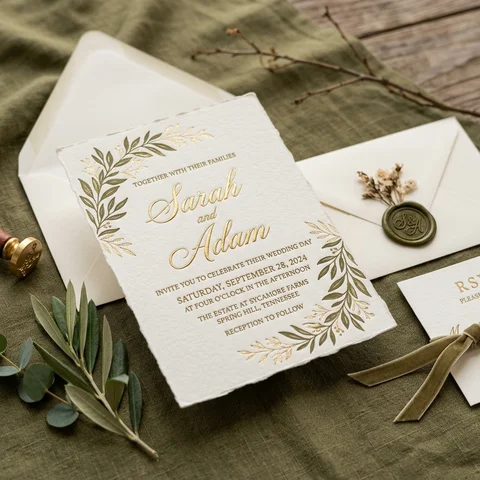
Choose the invitation
Pick a design and the fields you need — meals, notes, plus-ones.
Send an invitation with a code, and each person in the household answers for themselves. Guests who decline are not asked about meals — the row is removed, not disabled.
A decline collapses the rest of that person's questions. What remains is the set of answers you will actually use at the venue.
Pick a design and the fields you need — meals, notes, plus-ones.
One code per household, on paper or by link. No guest account needed to answer.
Answers land per person, with meals and notes attached, ready for seating and the venue sheet.
The invitation, the event website and the QR sign share one design and one set of details, so a change to the time changes everywhere at once.
One code, several people, separate answers.
Meal and dietary notes attached to the person, not the household.
Allowed per invitation rather than globally.
Send a reminder to households that have not answered.
A matching page with details, directions and the gallery link.
The answers as a sheet for the venue or planner.
Answers are visible to you and the roles you grant, not to other guests.
A declined person is not asked follow-up questions and is not placed at a table.
A guest answers with a code; there is no profile left behind.
Event details live in one record shared by invitation, website and sign.
Yes, that is the default.
No, the invitation code is enough.
Yes, per person, with notes.
Yes, sharing the same design and details.
Yes, reminders go to households that have not answered.
Create the event, try this part with a handful of files, and register when the work is worth keeping.